
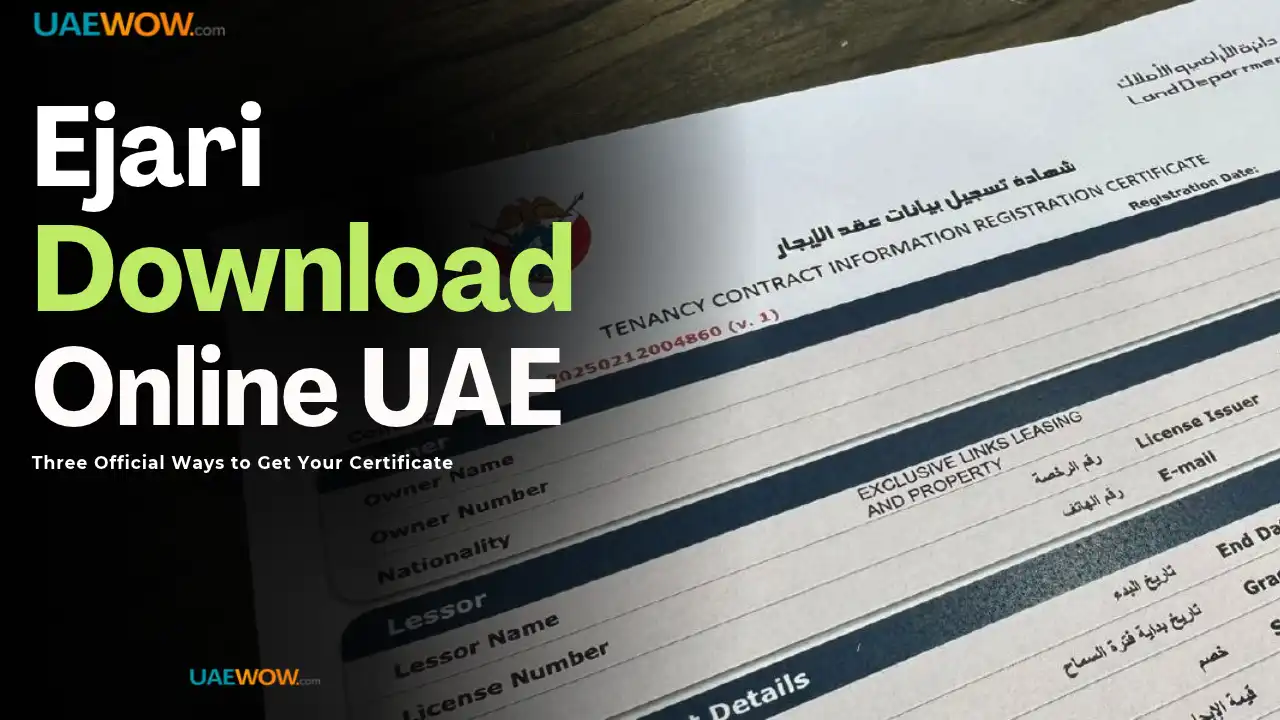

Download your Ejari certificate through the Dubai Land Department (DLD) website, the Dubai REST app, or UAE Pass — all three are official, free, and typically return your PDF instantly. You’ll need your Ejari contract number plus your DEWA premise number or Dubai Municipality number for the website and app methods; UAE Pass can retrieve it using only your linked Emirates ID.
What to do now:
- Have your Ejari contract number and DEWA/Municipality number ready
- Use the DLD website if you’re on a desktop, or Dubai REST if you’re on mobile
- Try UAE Pass instead if you don’t have your contract number handy — it works off your Emirates ID alone
Download via the DLD Website
Visit the official Dubai Land Department portal at dubailand.gov.ae and navigate to Services.
- Select “Download Ejari Certificate” from the services list
- Enter your Ejari contract number
- Enter your DEWA premise number or Dubai Municipality number
- Complete the CAPTCHA
- Click download — the PDF generates instantly
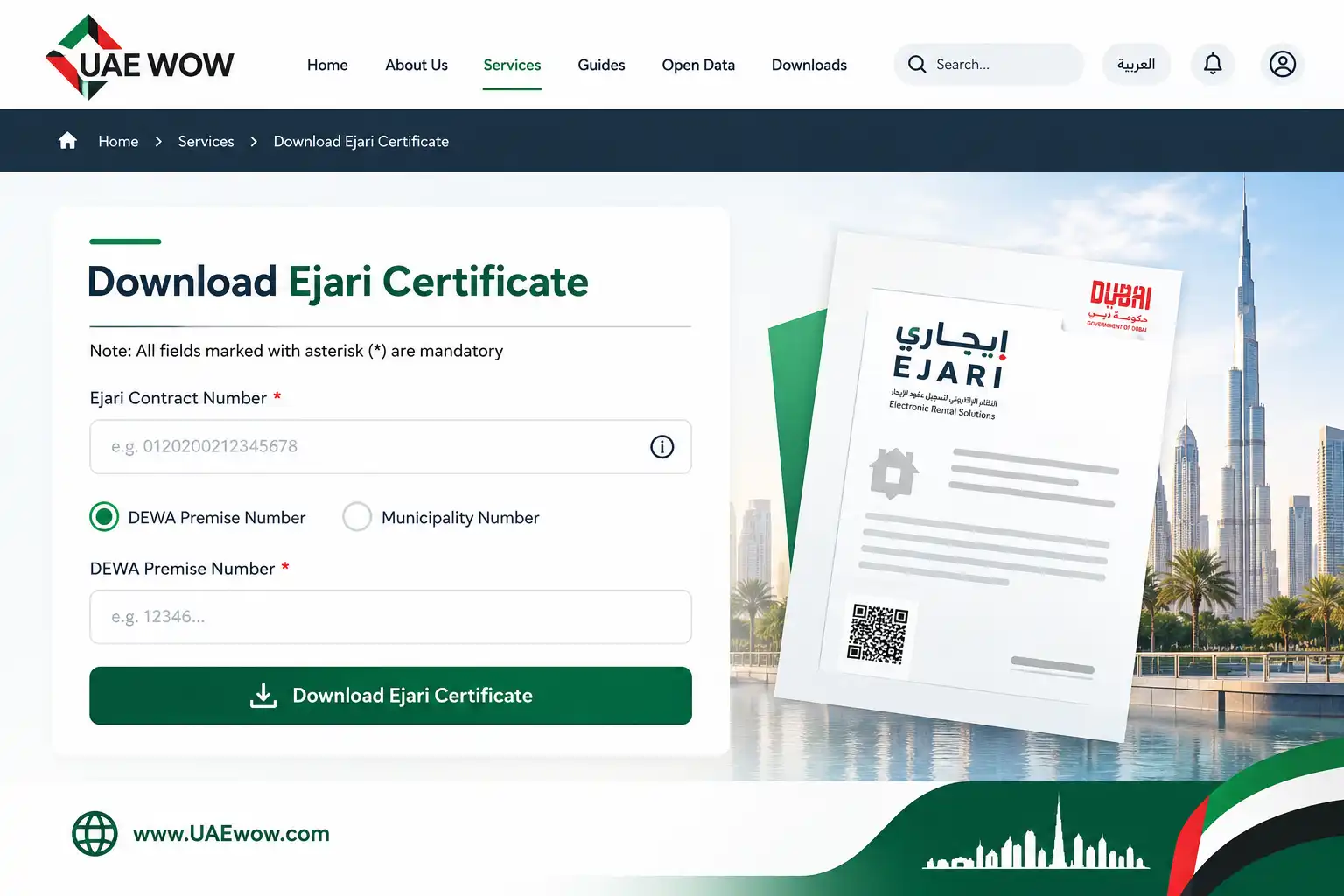
This is the fastest method if you’re already at a computer and have both reference numbers on hand.
Download via the Dubai REST App
Dubai REST stands for Real Estate Self Transaction — the official DLD app covering Ejari, Oqood, and other property services under one login.
- Download Dubai REST from the App Store or Google Play
- Log in with UAE Pass, or your Emirates ID/registered mobile number
- Go to Services → Ejari, or the Certificates section depending on your app version
- Enter your contract number and DEWA/Municipality number
- Download or share the PDF directly from your phone
Best real estate content in UAE
Download via UAE Pass
This method needs no contract number at all — only your linked Emirates ID.
- Open the UAE Pass app
- Go to Documents and select Dubai Land Department → Tenancy Contract
- If your tenancy is linked to your Emirates ID, your certificate appears immediately
Pro tip: If you’re switching homes and need quick document access without hunting for old paperwork, UAE Pass is genuinely the fastest of the three methods — it skips the contract-number lookup entirely.
When “No Data Found” Shows Up
The most common cause is a genuinely unregistered contract, not a system error — confirm your Ejari was actually completed by your agent or landlord before assuming the portal is broken.
A second common cause: your registration is linked to a different mobile number than the one you’re using to log in. Ask your agent to confirm which number the Ejari is registered under, then log in again with that specific number.
DEWA or municipality data can also take 24–48 hours to sync after a fresh registration — if you registered very recently, waiting a day before retrying often resolves it without needing to contact anyone.
Frequently Asked Questions
How do I download my Ejari certificate online?
Through the DLD website, Dubai REST app, or UAE Pass. The website and app both need your Ejari contract number plus DEWA/Municipality number; UAE Pass works from your linked Emirates ID alone.
Why does my Ejari download show “No Data Found”?
Usually because the contract isn’t fully registered yet, or it’s linked to a different mobile number than the one you’re logged in with. Confirm the registered number with your agent, or wait 24–48 hours if you registered very recently.
Can I download my Ejari certificate without the contract number?
Yes, through UAE Pass — if your tenancy is linked to your Emirates ID, the certificate appears in Documents → Dubai Land Department → Tenancy Contract with no contract number needed.
Is there a fee to download an Ejari certificate?
No. Downloading an existing, already-registered Ejari certificate through any of the three official channels is free. Fees apply to the original registration, not to redownloading a copy afterward.
Last verified: September 2026
Reviewed by: UAEwow Content Team
Source: Dubai Land Department (DLD)
