
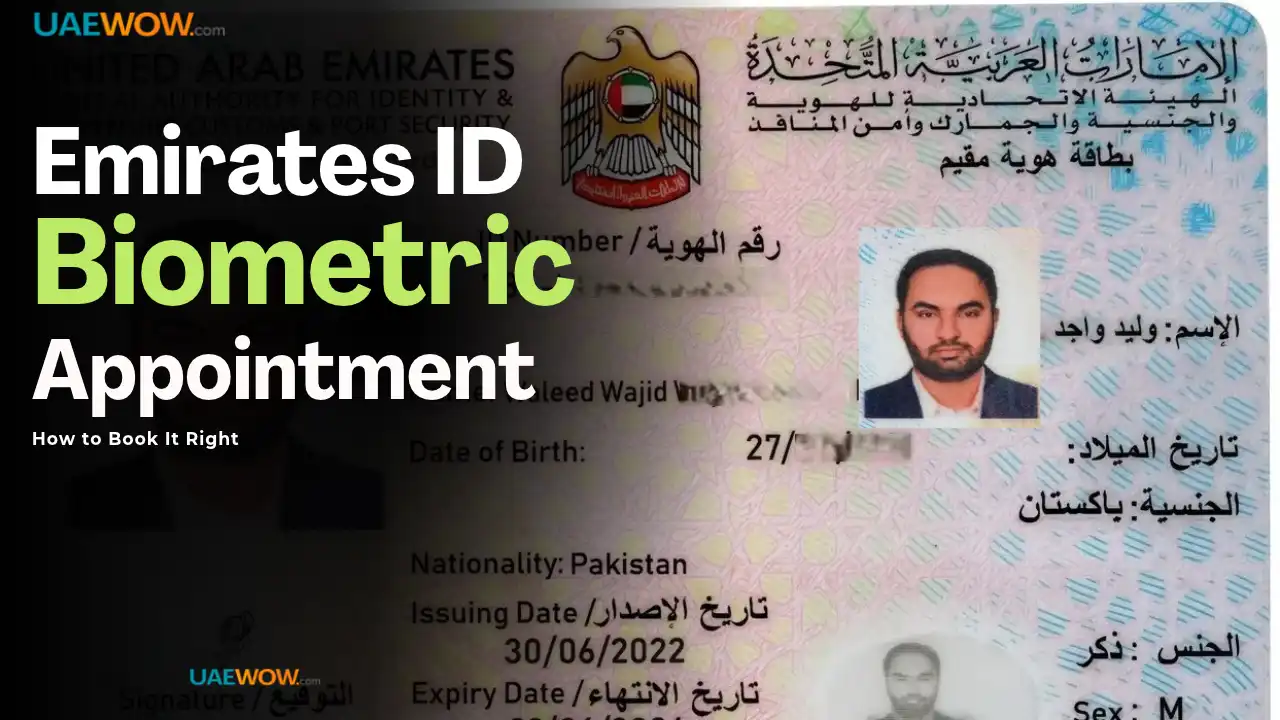

Book your Emirates ID biometric appointment through icp.gov.ae or the UAEICP app, logging in with UAE PASS or your PRAN (application reference number), selecting your emirate and nearest Customer Happiness Centre, then confirming a slot — confirmation arrives by SMS. Not every renewal requires a new appointment; check your SMS or application status first, since skipping this check is the most common reason people book a slot they didn’t need.
Check Whether You Even Need One First
If your existing biometrics are under 5 years old and nothing material has changed, you may be exempt from a new capture — the system checks this automatically, and your SMS or application status will explicitly state whether biometrics are required for your specific renewal.
If the SMS doesn’t request biometrics, showing up at a centre anyway gets you turned away, not processed early. This single check — read what the SMS actually says before booking anything — saves a wasted trip more often than any other step in this process.
Booking Through ICP Smart Services
- Go to icp.gov.ae or open the UAEICP app
- Log in with UAE PASS, or your PRAN/application reference number printed at the top of your application document
- Open your in-process Emirates ID application from the dashboard
- Select “Book Biometric Appointment“
- Choose your emirate, then your preferred Customer Happiness Centre
- Pick an available date and time from real-time slots
- Confirm and download the appointment details — bring this printed or saved on your phone
The standard biometrics fee is AED 70 for most applicants, and cards typically arrive 3–5 working days after successful capture. Centres operate across all seven emirates, so choosing based on real-time availability rather than the nearest option often gets you a faster slot.
Why Some Walk-Ins Get Turned Away
A passport photo that doesn’t visually match your current appearance is one of the most common on-arrival rejections — significant changes since your photo was taken (weight, facial hair, major style changes) can trigger a request to retake it before biometrics proceed.
An expired or lapsed application status blocks capture even with a confirmed appointment slot — if your underlying visa or application status changed between booking and your appointment date, the system may reject the capture until that’s resolved first. Bringing the wrong or an outdated version of your PRAN/reference number is a second common, entirely avoidable cause — always use the number from your most current application document, not an old printout.
Pro tip: Reschedule instead of no-showing if your date stops working — the ICP portal’s reschedule option under your existing application avoids restarting the process, while a missed appointment with no reschedule can push your card delivery back by weeks.
Frequently Asked Questions
How do I book an Emirates ID biometric appointment?
Through icp.gov.ae or the UAEICP app, logging in with UAE PASS or your PRAN, then selecting “Book Biometric Appointment,” your emirate, and your preferred centre.
Do I always need a new biometric appointment for renewal?
No. If your existing biometrics are under 5 years old and nothing material has changed, you may be exempt — check your SMS or application status, which explicitly states whether a new capture is required.
What happens if I miss my Emirates ID biometric appointment?
Reschedule through the ICP portal under your existing application rather than not showing up — a missed, unrescheduled appointment can delay your card by weeks compared to simply booking a new slot.
Why did I get turned away at my biometric appointment?
Common reasons include a passport photo that no longer visually matches your appearance, an expired or changed application status since booking, or bringing an outdated PRAN/reference number instead of your current one.
Last verified: September 2026
Reviewed by: UAEwow Content Team
Source: Federal Authority for Identity, Citizenship, Customs and Port Security (ICP)
